A small command saves repeated friction
Creating a blank file is a tiny action, but it shows up all day in project folders, client work, codebases, data cleanup, and documentation.
More than one menu
A reliable Mac workflow needs more than one route. CreateFiles+ gives you Finder actions where available, plus menu bar and shortcut options for protected or synced folders.
Built for common file types
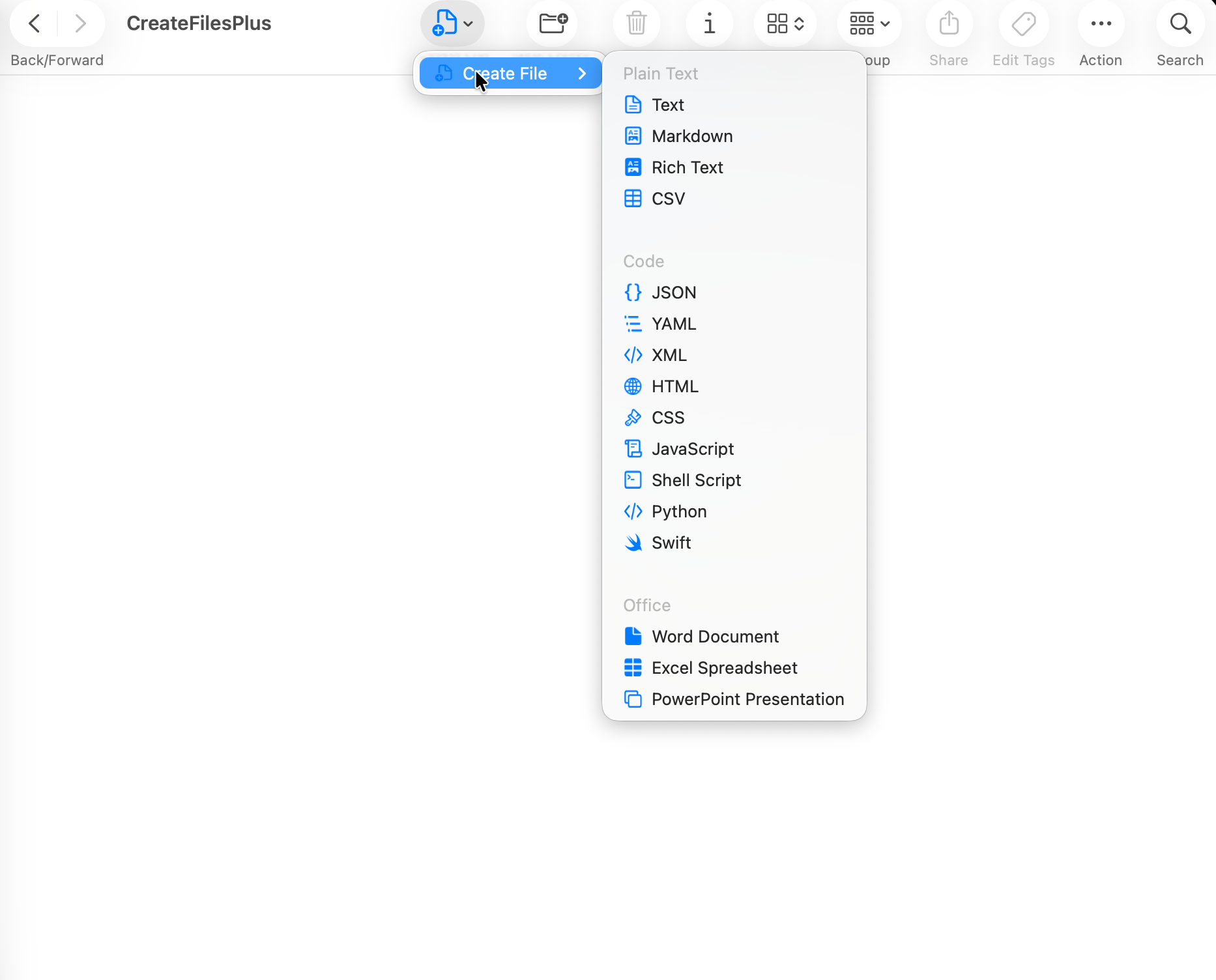
The app focuses on blank files people actually create: text, Markdown, CSV, JSON, code files, scripts, and Office documents.
How to do it with CreateFiles+
- Install CreateFiles+.
- Choose the file types you want visible.
- Open a folder in Finder.
- Create a blank file through Finder, the menu bar, or your shortcut.
Frequently asked questions
Is CreateFiles+ a subscription?
No. Website licenses are a one-time purchase and include use on up to 2 Macs per license quantity.
Can I hide file types I do not use?
Yes. CreateFiles+ includes file type settings so the workflow can stay focused.
Related CreateFiles+ guides
Create the file in the Finder folder you already have open.
Try the direct-download app free for 7 days with no card, or purchase CreateFiles+ through Apple.