Why text files still matter
Plain text files are useful for notes, logs, checklists, snippets, readme drafts, and quick handoffs. They are lightweight, portable, and easy to open anywhere.
Create the file in place
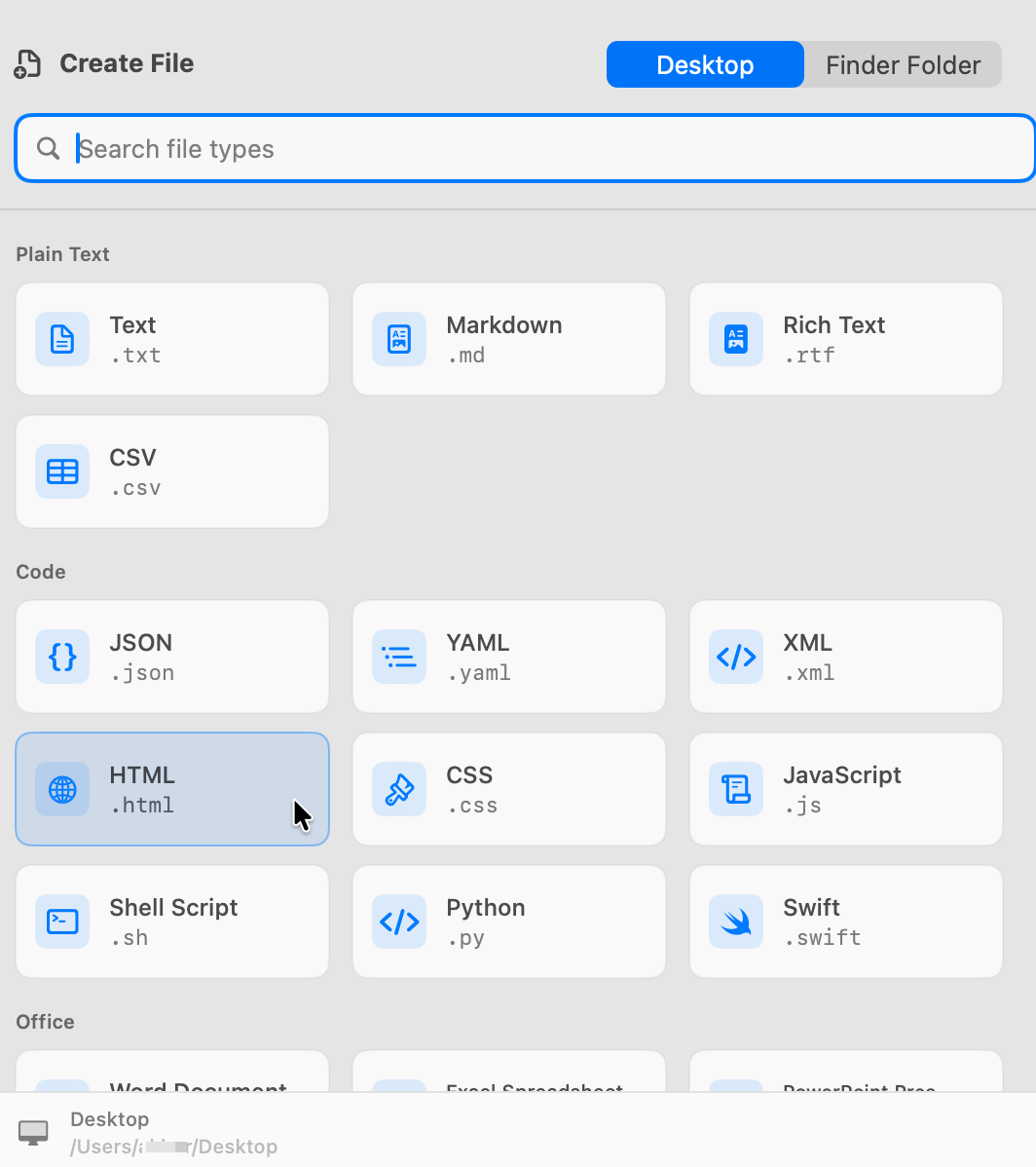
CreateFiles+ creates the blank .txt file in the current Finder location so the folder stays organized from the first step.
Good for repeat workflows
If you create text files repeatedly, Quick Create shortcuts make the flow feel closer to a native Finder command.
How to do it with CreateFiles+
- Open the destination folder.
- Launch CreateFiles+ from Finder, the menu bar, or your shortcut.
- Choose Text File.
- Rename the new .txt file.
Frequently asked questions
Can I create a text file without opening TextEdit first?
Yes. CreateFiles+ creates a blank .txt file directly from Finder, the menu bar, or a shortcut.
Does CreateFiles+ change the contents of existing files?
No. It creates new blank files and does not read or modify your existing document contents.
Related CreateFiles+ guides
Create the file in the Finder folder you already have open.
Try the direct-download app free for 7 days with no card, or purchase CreateFiles+ through Apple.