A simple file for structured data
CSV files work across spreadsheets, databases, scripts, and business tools. Starting the file in the right folder keeps data cleanup and imports organized.
Skip the save dialog dance
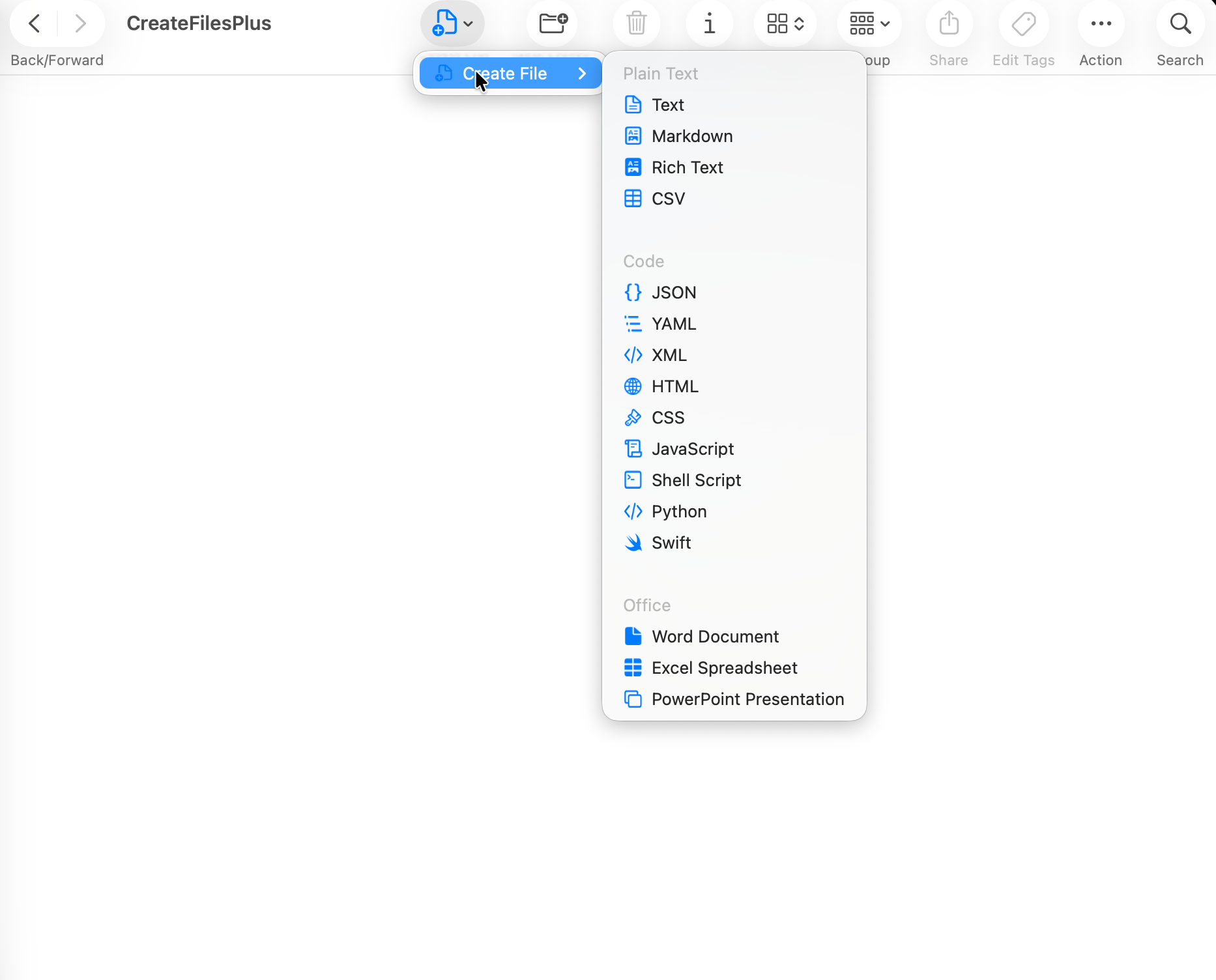
Instead of opening a spreadsheet app first and saving a blank file later, CreateFiles+ creates the starter .csv file from Finder or Quick Create.
Good for repeat import workflows
When a project needs repeated CSV files, a shortcut-driven workflow can save small amounts of friction all day.
How to do it with CreateFiles+
- Open the destination folder.
- Launch CreateFiles+ from Finder, the menu bar, or a shortcut.
- Choose CSV File.
- Rename the file and add columns in your editor or spreadsheet app.
Frequently asked questions
Can CreateFiles+ create CSV files?
Yes. CreateFiles+ can create blank CSV starter files on Mac.
Can I open the CSV in Numbers or Excel?
Yes. CreateFiles+ creates the file, then you can open it with the spreadsheet or editor you prefer.
Related CreateFiles+ guides
Create the file in the Finder folder you already have open.
Try the direct-download app free for 7 days with no card, or purchase CreateFiles+ through Apple.