Documents often start in folders
Briefs, notes, drafts, project docs, and handoffs usually belong beside other project files. Creating the blank Word document in Finder keeps that organization intact.
Avoid creating then moving
Opening Word first often means saving and navigating back to the project folder. CreateFiles+ flips that order: create the file where it belongs, then open it.
Part of a broader starter-file workflow
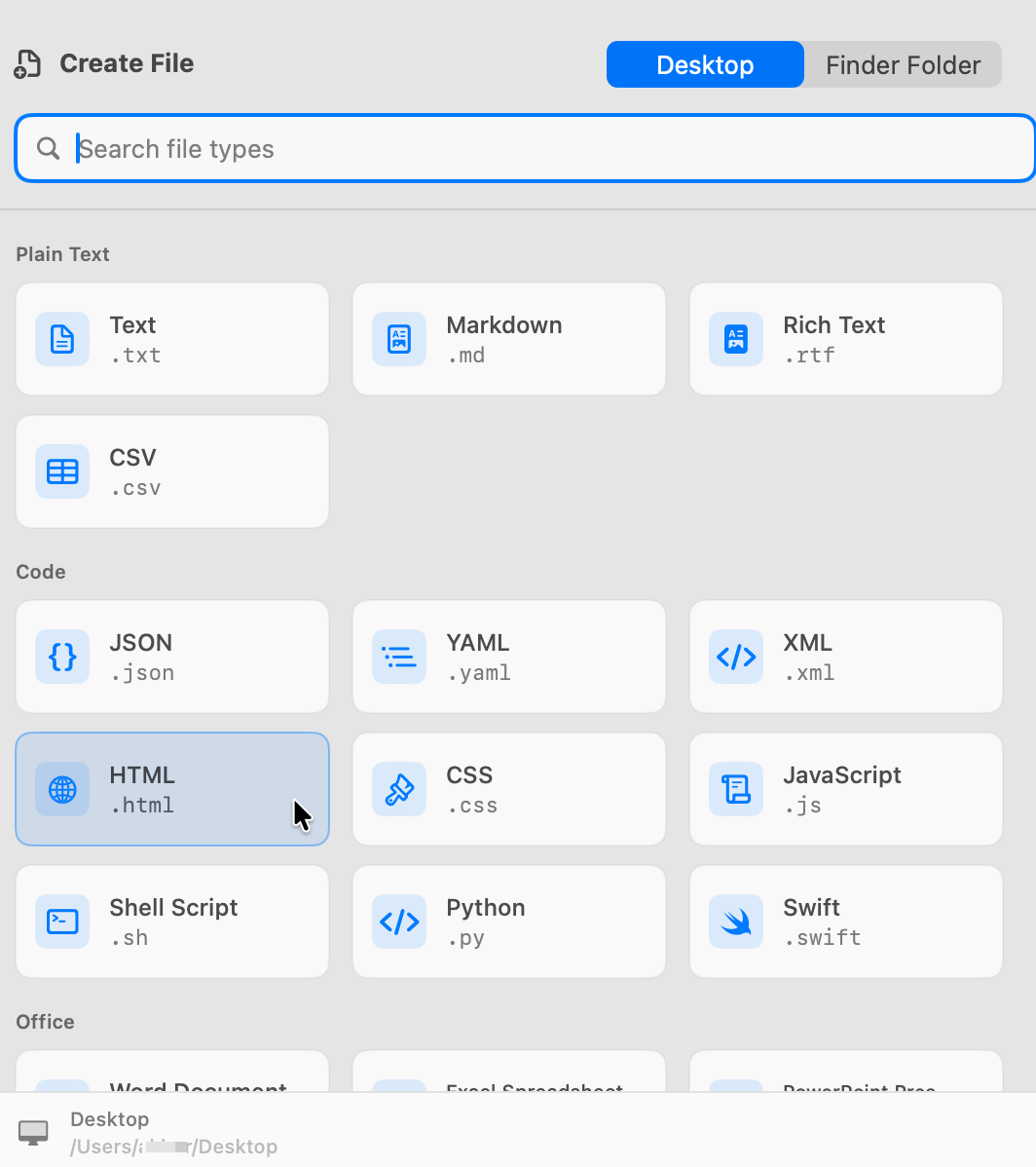
CreateFiles+ also handles text, Markdown, CSV, JSON, HTML, code, script, Excel, and PowerPoint starter files.
How to do it with CreateFiles+
- Open the destination folder.
- Open CreateFiles+ from Finder, the menu bar, or a shortcut.
- Choose Word Document.
- Rename the .docx file and open it in Word or another compatible editor.
Frequently asked questions
Can CreateFiles+ create Word documents?
Yes. CreateFiles+ includes a blank Word document starter template.
Do I need Microsoft Word installed to create the file?
CreateFiles+ can create the starter .docx file; you need Word or a compatible app to edit it.
Related CreateFiles+ guides
Create the file in the Finder folder you already have open.
Try the direct-download app free for 7 days with no card, or purchase CreateFiles+ through Apple.