The core job
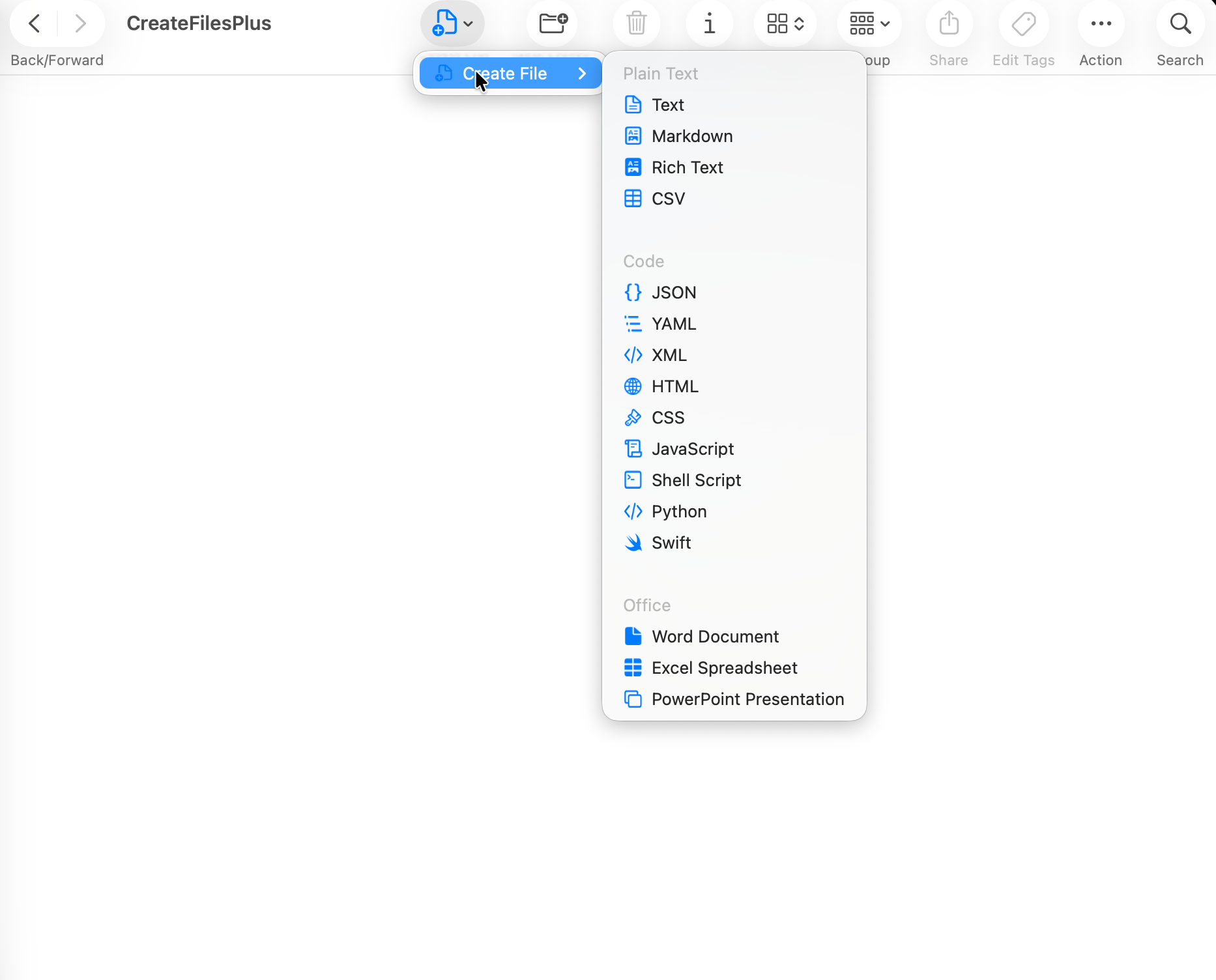
Both CreateFiles+ and New File Menu-style utilities aim to reduce the friction of creating blank files on Mac. The important difference is how reliably they fit into your daily Finder workflow.
Fallback routes matter
macOS can limit Finder extension menus in protected or synced folders. CreateFiles+ includes Finder, toolbar, menu bar, and shortcut routes so you are not dependent on one menu appearing everywhere.
Local-first positioning
CreateFiles+ is designed as a focused local Mac utility with a one-time website license and no cloud document sync.
How to do it with CreateFiles+
- List the file types you create most often.
- Check whether you need menu bar or shortcut fallback workflows.
- Compare privacy, pricing, and update model.
- Choose the app that creates files where you actually work.
Frequently asked questions
Is CreateFiles+ a New File Menu alternative?
Yes. CreateFiles+ is an alternative for Mac users who want Finder, menu bar, and shortcut workflows for blank file creation.
What should I compare before choosing?
Compare supported file types, Finder behavior, fallback workflows, licensing, privacy, and update model.
Related CreateFiles+ guides
Create the file in the Finder folder you already have open.
Try the direct-download app free for 7 days with no card, or purchase CreateFiles+ through Apple.