Start lightweight web files quickly
HTML files are useful for quick prototypes, local docs, test pages, snippets, and static site work. Creating the file where the project lives keeps the workflow tidy.
Works with your existing editor
CreateFiles+ creates the starter file. You can then open it in VS Code, Nova, BBEdit, Xcode, or whatever editor you prefer.
Finder-first web workflow
Use CreateFiles+ when you want starter HTML files created directly in Finder, next to the project files and assets they support.
How to do it with CreateFiles+
- Open the web project folder.
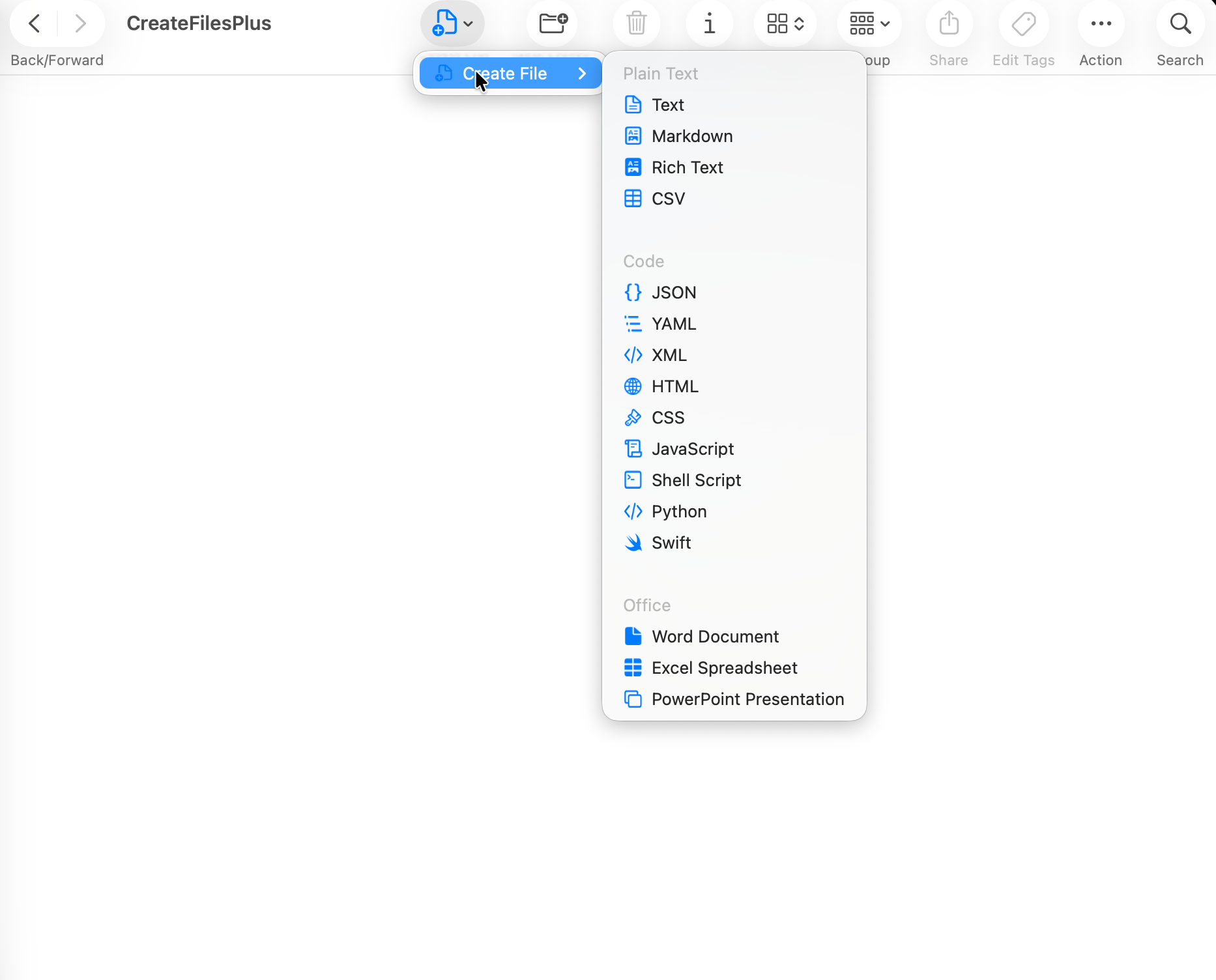
- Open CreateFiles+ from Finder, the menu bar, or Quick Create.
- Choose HTML File.
- Rename the .html file and open it in your editor.
Frequently asked questions
Can CreateFiles+ create HTML files?
Yes. HTML is one of the common starter file types CreateFiles+ can create.
Does CreateFiles+ publish or host HTML files?
No. It only creates the local starter file on your Mac.
Related CreateFiles+ guides
Create the file in the Finder folder you already have open.
Try the direct-download app free for 7 days with no card, or purchase CreateFiles+ through Apple.